



TL;DR - Running DeepSeek and Gemini models inside the OpenAI Agents SDK is straightforward when you configure custom AsyncOpenAI clients with vendor base URLs and pass them into OpenAIChatCompletionsModel, unlocking practical multi-model agent handoffs without rewriting your core architecture.
How Do You Set Up Custom OpenAI Clients for Third-Party Providers?
When I build AI applications using the OpenAI Agents SDK, I often need to plug in non-OpenAI models without rewriting my entire agent architecture. The framework provides out-of-the-box support for any provider exposing an OpenAI-compatible endpoint. Instead of relying solely on default environment variables, you instantiate vendor-specific asynchronous clients by supplying a custom base_url and your respective API key.
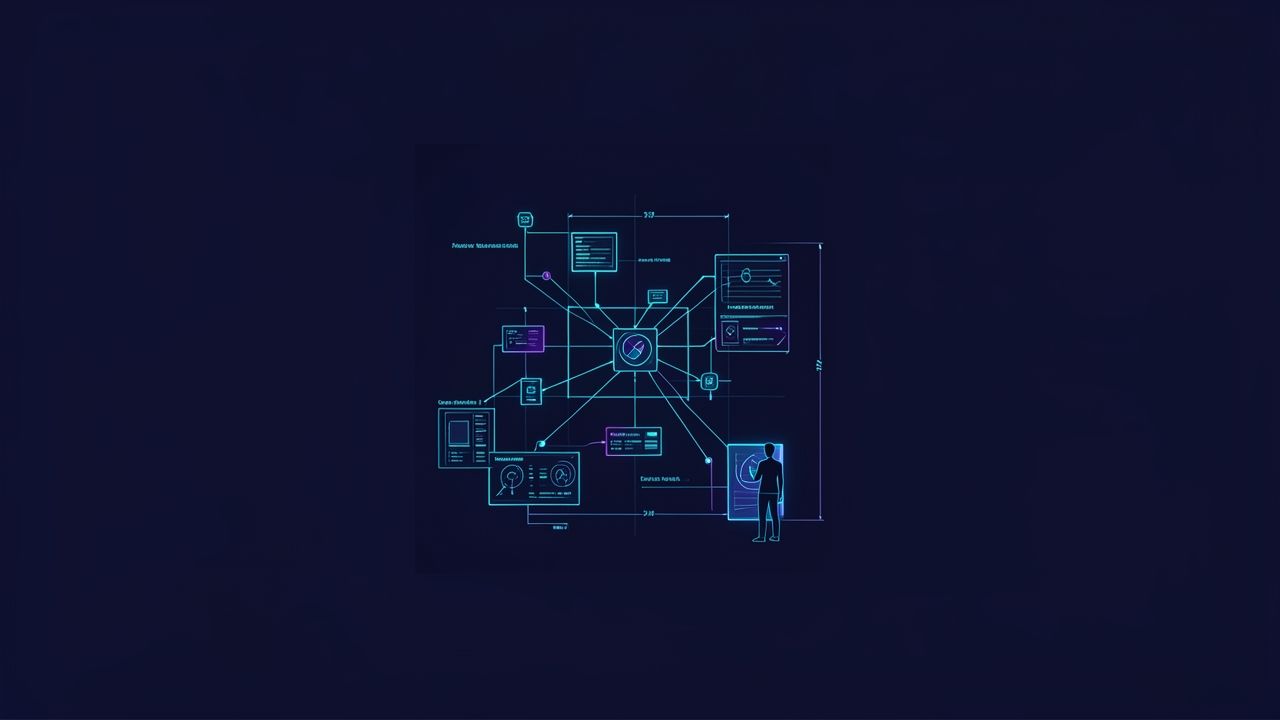
To configure custom base URLs in Python, you pass the provider endpoint directly into the client initializer. If your endpoint URL misses a trailing slash or version suffix, you will encounter connection errors. You can learn more about how I structure reliable automation pipelines in our guide to building robust AI workflows.
Here is how I set up asynchronous clients for DeepSeek and Gemini:
import os
from openai import AsyncOpenAI

# Initialize DeepSeek client
deepseek_client = AsyncOpenAI(
    base_url="https://api.deepseek.com/v1",
    api_key=os.getenv("DEEPSEEK_API_KEY")
)

# Initialize Gemini client
gemini_client = AsyncOpenAI(
    base_url="https://generativelanguage.googleapis.com/v1beta/openai/",
    api_key=os.getenv("GEMINI_API_KEY")
)
For comprehensive integration details, read the OpenAI Agents SDK Models Guide. You can also explore practical code examples in Build Agents with OpenAI SDK using any LLM Provider.
How Do You Configure DeepSeek and Gemini with OpenAIChatCompletionsModel?
Once your provider clients are initialized, you assign them directly to agent instances using the OpenAIChatCompletionsModel class. In my multi-model pipelines, this lets each specialized agent use the exact model best suited for its specific task, such as routing heavy code generation to DeepSeek or summarization tasks to Gemini.
When choosing between providers, you balance inference speed and cost against reasoning capabilities. To pass model settings like temperature or max tokens, configure a ModelSettings object directly on your Agent instance.
Here is how I assign a DeepSeek model to a specialized bug-detection agent:
from agents import Agent, OpenAIChatCompletionsModel
from agents.model_settings import ModelSettings

bugs_agent = Agent(
    name="DeepSeek Code Assistant",
    instructions="You review pull requests and detect code bugs.",
    model=OpenAIChatCompletionsModel(
        model="deepseek-chat",
        openai_client=deepseek_client,
    ),
    model_settings=ModelSettings(temperature=0.2)
)
To see how this pairs with persistent storage layers, check out our breakdown of Postgres and S3 memory layers for AI agents.
Here is how I configure a Gemini summarization agent as well:
summary_agent = Agent(
    name="Gemini Summarizer",
    instructions="You summarize long technical documents.",
    model=OpenAIChatCompletionsModel(
        model="gemini-2.5-flash",
        openai_client=gemini_client,
    ),
    model_settings=ModelSettings(temperature=0.4)
)
Passing the custom client into the model parameter ensures your agent calls hit the third-party provider seamlessly. For multi-model routing tips, review LangDB's Agents SDK Integration Guide.
How Do You Execute Multi-Model Agent Handoffs and Orchestration?
When I architect multi-provider workflows, I route initial triage through a lightweight OpenAI model while delegating heavy reasoning or cost-sensitive tasks to DeepSeek or Gemini agents.
Designing a reliable triage agent requires clear instructions and precise handoff descriptions so the router knows when to pass control. When a sub-agent completes its delegated task, control returns to the orchestrator or final output handler.
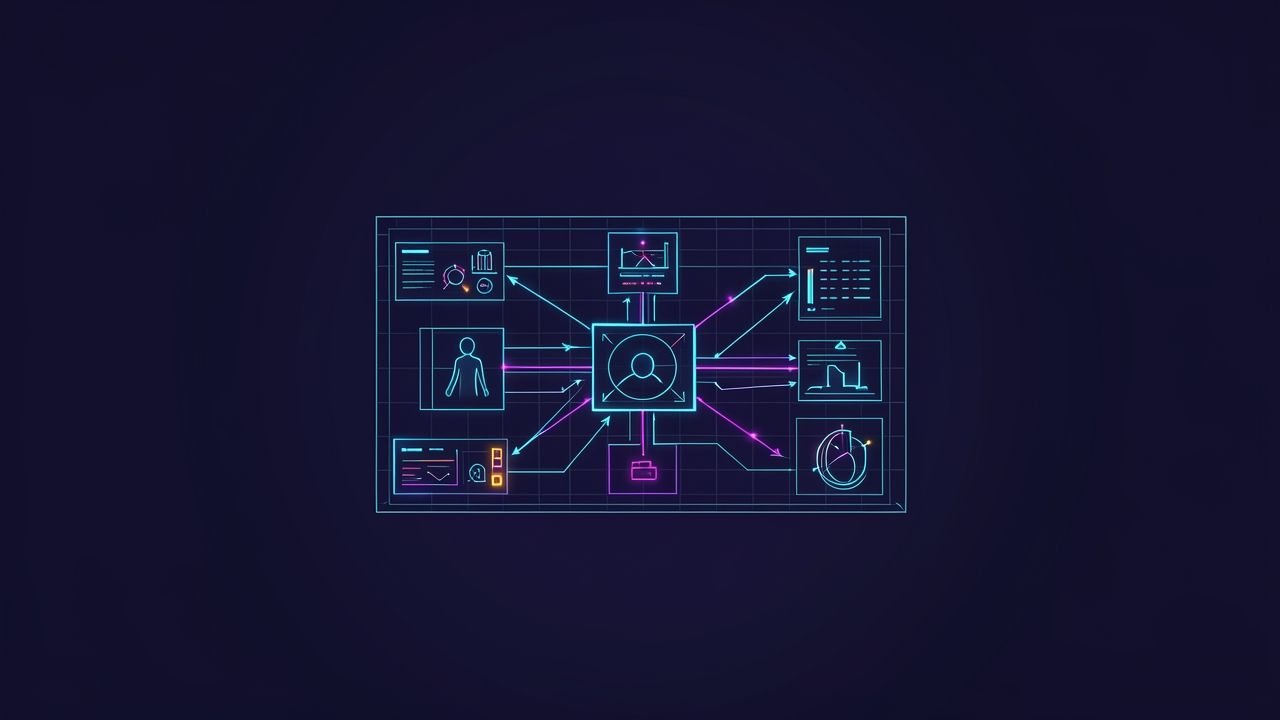
Here is how I structure a multi-model handoff workflow:
from agents import Agent, Runner

triage_agent = Agent(
    name="Triage Agent",
    instructions="Route incoming queries to the correct specialist.",
    handoffs=[bugs_agent, summary_agent]
)

result = Runner.run_sync(triage_agent, "Check this python script for errors.")
print(result.final_output)
This modular architecture keeps your codebase clean and ensures every sub-task runs on the most efficient model. For peer troubleshooting and community feedback, check out the OpenAI Developer Community Discussion.
How Do You Handle Tracing, Authentication, and Common Production Errors?
When running non-OpenAI models inside an OpenAI-centric SDK, developers often encounter authentication errors during telemetry export if an OpenAI API key is missing. Because traces attempt to upload to OpenAI servers by default, you must supply a valid trace key, disable telemetry using set_tracing_disabled(True), or configure a custom processor.
To protect sensitive user data and prevent telemetry errors in local environments, I always disable tracing when testing third-party models:
from agents import set_tracing_disabled

set_tracing_disabled(True)
Addressing these configuration nuances early ensures smooth local development and reliable production deployments. For visual debugging walkthroughs, watch the OpenAI Agents SDK Video Tutorial.
Bottom Line
Running DeepSeek and Gemini models inside the OpenAI Agents SDK gives you complete model flexibility without sacrificing orchestration power. By utilizing custom AsyncOpenAI clients, OpenAIChatCompletionsModel, and multi-model agent handoffs, you can build cost-effective AI workflows tailored to your specific application needs as covered in our guide to building robust AI workflows.
Sources
- Models - OpenAI Agents SDK (OpenAI)
- Build Agents with OpenAI SDK using any LLM Provider (Claude, Deepseek, Perplexity, Gemini…) | by Mohamed Amri | Medium (Medium)
- Use OpenAI Agents SDK with Gemini, Claude, DeepSeek ... - LangDB (LangDB)
- Using Gemini with OpenAI Agents SDK - API - OpenAI Developer Community (OpenAI Developer Community)
- Building AI Intelligent Apps using OpenAI, Gemini and DeepSeek API | BestITCourses (YouTube)
Follow Owais Abdullah on Google Search & Discover
Add this domain as a preferred source to see new AI engineering, Next.js SaaS, and Digital FTE breakdowns prioritized in your Google Top Stories, AI Overviews, and Discover feed.
Architecture FAQs
Was this article helpful?
Your feedback helps improve our future articles and tutorials.
Discussion & Thoughts
Join the conversation with your perspective