



TL;DR - Migrating multi-agent workflows from the OpenAI Agents SDK to the Claude Agent SDK requires mapping declarative primitives likeAgentand@function_toolinto explicit configurations usingClaudeAgentOptions, explicit@tooldefinitions, and in-process MCP servers. This guide breaks down the exact architectural transition for production applications.
Introduction
Ever wondered how agent runtimes differ beneath the hood when porting code between major AI providers? If you are moving your production systems from the OpenAI Agents SDK to the Claude Agent SDK, understanding how to map architectural primitives ensures a smooth transition. Let us look at how you can modernize your smart automation workflows cleanly and efficiently. 🚀

When you build multi-agent applications, changing underlying SDKs often feels daunting because runtime loops, tool definitions, and session handlers differ significantly. In this guide, I will walk you through exact code transformations, tool conversions, and state management strategies to make your migration seamless.
Mapping Agent Definition and Configuration
How do agent configurations differ between OpenAI and Claude? OpenAI bundles settings, model names, instructions, and tools into a single unified Agent entity. In contrast, Claude uses ClaudeAgentOptions to carry your system prompt, model name, and MCP servers as clean configuration properties.
To migrate your agents successfully, you need to decouple your system prompts from execution runners. OpenAI's Agent(name, instructions, tools) maps directly to ClaudeAgentOptions paired with a separate system prompt string.
- OpenAI bundles name, instructions, and tools into
Agent. - Claude separates options into
ClaudeAgentOptionsand configures system prompts explicitly. - Tool names in
allowed_toolsfollow the patternmcp__{server_name}__{tool_name}.
Are your system prompts separated properly from your execution configs? Keeping configurations modular helps your engineering team maintain testable components across different LLM providers.
Converting Tools from Function Introspection to MCP
Why do tool definitions require explicit schemas when moving to Claude? OpenAI relies heavily on Python type-hint introspection and docstrings via the @function_tool decorator. Claude utilizes explicit schema declarations combined with an in-process Model Context Protocol (MCP) server via create_sdk_mcp_server.
When porting custom functions, your underlying business logic remains identical, but the wrapper changes. Here is how tool declaration shifts:
- Define your tool with explicit name, description, and argument types using
@tool. - Ensure your async handler accepts a single arguments dictionary.
- Return results wrapped in an explicit content structure like
{"content": [{"type": "text", "text": json.dumps(result)}]}. - Bundle your tools into an in-process MCP server using
create_sdk_mcp_server(name="server_name", tools=[...]).
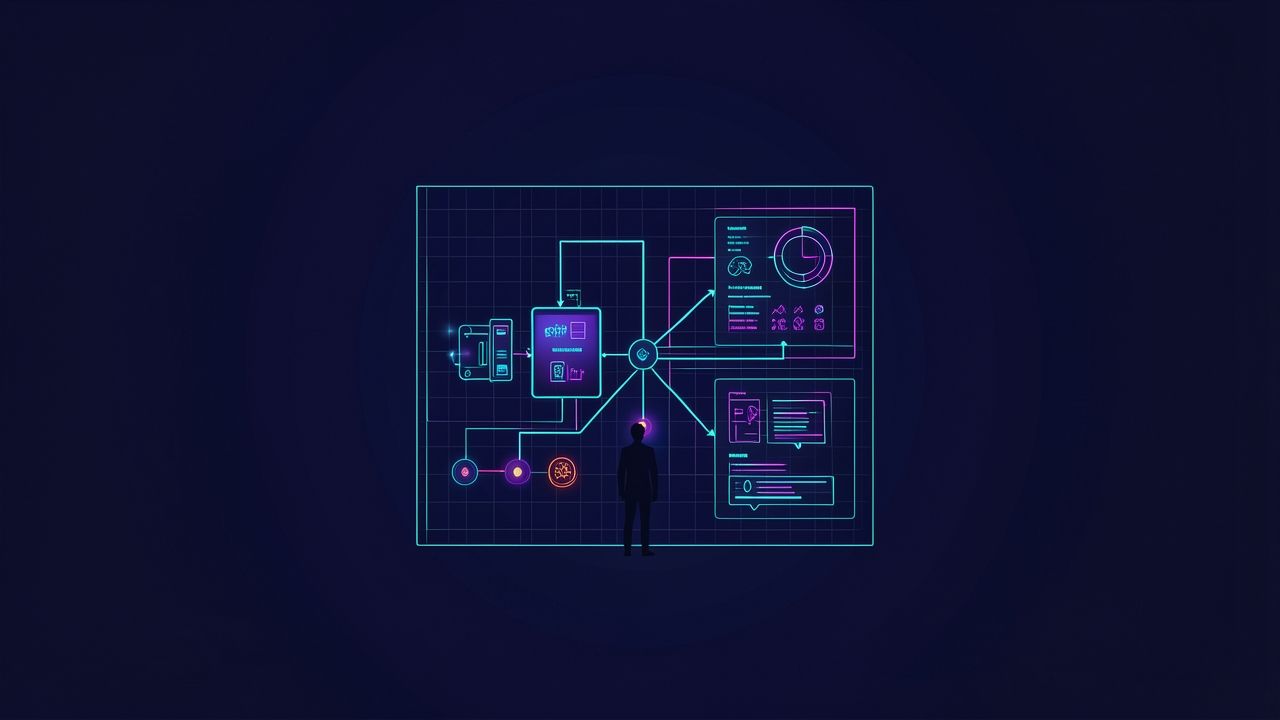
Have you tested in-process MCP servers for your custom functions yet? As detailed in the Migrating from the OpenAI Agents SDK | Claude Cookbook, explicit schemas prevent introspection surprises in production.
Managing Guardrails and Lifecycle Checks
How do you handle input validation and tripwires without framework decorators? OpenAI uses specialized decorators like @input_guardrail and @output_guardrail that raise specific tripwire exceptions when validation fails. Claude encourages implementing checks as standard Python functions executed before and after running the agent loop.
You can also utilize hooks like UserPromptSubmit for fine-grained intercepting. Implementing these checks as standard functions gives you full control over rejection messages and error handling without relying on hidden framework control flows.
- Run input checks prior to invoking your client instance.
- Inspect
ResultMessage.resultto validate final outputs. - Keep guardrail logic visible in application code for easier debugging.
How do you currently handle invalid user inputs before hitting your LLM? Keeping guardrails transparent makes unit testing significantly more straightforward.
Driving Execution via ClaudeSDKClient
What is the Claude equivalent of OpenAI's execution runner? OpenAI runs via Runner.run(agent, msg) which abstracts away the execution loop into a single function call. Claude utilizes the ClaudeSDKClient async context manager where .query(msg) sends input and .receive_response() yields a structured event stream.
This event stream gives you direct access to step-by-step telemetry, tool calls, text blocks, and final outputs. Here is what you receive during execution:
SystemMessage: Session initialization metadata and configuration.AssistantMessage: Model reasoning blocks and tool-use requests.UserMessage: Result payloads returned from executed tools.ResultMessage: Final response text, token usage, and cost metrics.
How do you stream progress updates back to your clients today? Using ClaudeSDKClient lets you inspect mid-run assistant messages and monitor costs precisely.
Preserving State and Managing Multi-Turn Sessions
Does your application require state persistence across server restarts? OpenAI supports conversation IDs for server-backed state management. Claude supports in-memory multi-turn conversations by keeping the ClaudeSDKClient context open across multiple .query() calls, or disk-backed persistence via the resume=session_id option.
For disk-backed persistence, capture the session_id from the final ResultMessage of your first run. On subsequent runs or after a process restart, pass resume=session_id inside your ClaudeAgentOptions to restore the conversation transcript from the local filesystem.
- Reuse an open
ClaudeSDKClientcontext for fast in-memory multi-turn chats. - Store
session_idstrings to resume conversations across application restarts. - Use automatic context compaction when conversations exceed token limits.
Implementing Multi-Agent Handoffs and Delegation
How do specialist agents collaborate on complex tasks during a migration? OpenAI's handoffs=[...] automatically transfers control entirely to a specialist agent, ending the primary agent's turn. Claude handles subagents programmatically via AgentDefinition inside ClaudeAgentOptions(agents={...}).
In the Claude Agent SDK, an orchestrator model delegates tasks using the built-in Agent tool while retaining ultimate control over the execution flow. As outlined in the official documentation, this orchestrator pattern keeps your primary control loop intact while offloading specialized sub-tasks.
Bottom Line
Migrating from the OpenAI Agents SDK to the Claude Agent SDK requires mapping declarative primitives to explicit configurations like ClaudeAgentOptions, in-process MCP servers, and async client event streams. By replacing hidden decorators with transparent application logic, you gain fine-grained control over execution telemetry, prompt caching, and multi-agent delegation.
Sources
- Migrating from the OpenAI Agents SDK | Claude Cookbook (Claude Cookbook)
- Migrate to Claude Agent SDK - Claude Code Docs (Claude Code Docs)
Follow Owais Abdullah on Google Search & Discover
Add this domain as a preferred source to see new AI engineering, Next.js SaaS, and Digital FTE breakdowns prioritized in your Google Top Stories, AI Overviews, and Discover feed.
Architecture FAQs
Was this article helpful?
Your feedback helps improve our future articles and tutorials.
Discussion & Thoughts
Join the conversation with your perspective