


Introduction
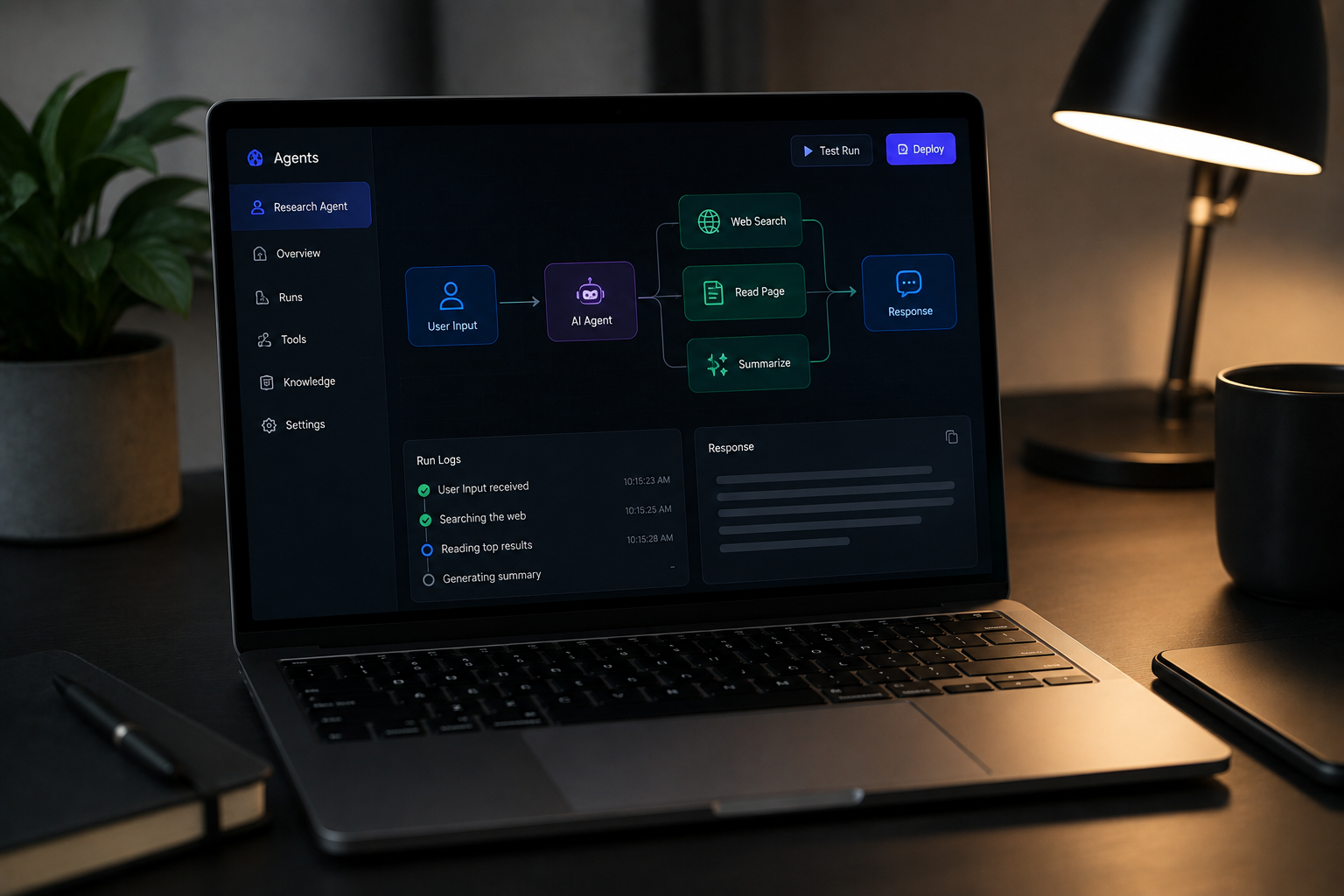
Building a custom AI agent doesn't require massive frameworks or complex, over-engineered codebases. By leveraging native Next.js primitives and lightweight runtime loops, you can construct a dependable agent harness that manages reasoning, tool execution, and sandbox interactions seamlessly. Whether you are creating coding assistants or automated background workers, keeping your architecture modular ensures easier debugging and scalable maintenance.
Ready to streamline your development workflow? Explore Next.js AI Guides to understand how native runtimes handle context injection and browser error forwarding. You can also read more about modern AI agent workflows to see how smart automation fits into your stack.
Defining the Core Agent Architecture and Execution Loop
Every reliable AI agent relies on a clean separation between the reasoning engine and the execution loop. Instead of writing cumbersome state machines from scratch, you can map out instructions and tool schemas using standard TypeScript types and Zod validation. This ensures your model receives structured inputs and returns predictable outputs every single time.

How do you usually handle model response parsing in your apps? Have the types ever mismatched your expected tool payloads?
- Define clear TypeScript interfaces for every tool input and output parameter.
- Use Zod schemas to validate runtime payloads before passing them to your execution loop.
- Keep your reasoning prompts modular so you can swap base models without breaking tool contracts.
Check out the Eve Framework Overview for inspiration on managing multi-channel agent setups.
Leveraging Native Next.js Primitives for Tool Calls
Next.js provides robust routing and server actions that act as natural gateways for agent tool executions. Instead of spinning up separate backend microservices, you can host your agent tools directly within the App Router. This approach keeps your project structure unified and simplifies environment configuration.
Have you tried exposing local server actions to an LLM before? What security hurdles did you encounter?
- Host your agent tools as standard server actions inside the Next.js App Router.
- Restrict tool permissions carefully to prevent unintended file system or database access.
- Log every tool invocation with clear request IDs for fast troubleshooting.
Read more about Building Coding Agents to see how developers streamline local execution loops.
Forwarding Browser and Terminal Logs to Your Agent
AI coding agents often struggle because they cannot see live runtime errors happening in the browser. Next.js solves this by forwarding browser console warnings and runtime exceptions directly to the terminal via native configuration options like logging.browserToTerminal. Giving your agent direct access to terminal logs allows it to self-correct and iterate faster.
Could automatic log forwarding save you hours of manual debugging? How do your current testing loops handle client-side warnings?
- Enable native logging flags in your configuration to capture browser events in your terminal.
- Pipe console errors directly into your agent's context window for instant feedback.
- Combine terminal warnings with automated test suites to create self-correcting development loops.

Review the official documentation on Next.js AI Coding Agents for implementation details.
Bootstrapping Context with AGENTS.md and Skills
Keeping your agent context lean and relevant is key to avoiding token bloat and hallucinations. Modern workflows rely on auto-generated AGENTS.md or CLAUDE.md files placed at the repository root alongside progressive disclosure skills. These files feed your agent precise codebase guidelines without overwhelming its prompt window.
Do you use markdown guidelines to steer your AI tools today? How do you keep prompt instructions up to date?
- Place a clear
AGENTS.mdfile at your repository root to guide LLM behavior. - Keep instruction files concise to prevent unnecessary token consumption.
- Update your guidelines regularly as your codebase architecture evolves.
Learn about The AI Harness Repository Pattern for step-by-step repository organization.
Follow Owais Abdullah on Google Search & Discover
Add this domain as a preferred source to see new AI engineering, Next.js SaaS, and Digital FTE breakdowns prioritized in your Google Top Stories, AI Overviews, and Discover feed.
Architecture FAQs
Was this article helpful?
Your feedback helps improve our future articles and tutorials.
Discussion & Thoughts
Join the conversation with your perspective