


Introduction
Ever wondered why your coding assistant starts drifting off track after a few hours of building? When I first started testing AI coding agents, I noticed a frustrating pattern. Long sessions quickly lead to token fatigue, instruction skipping, and code that drifts away from my original architecture.
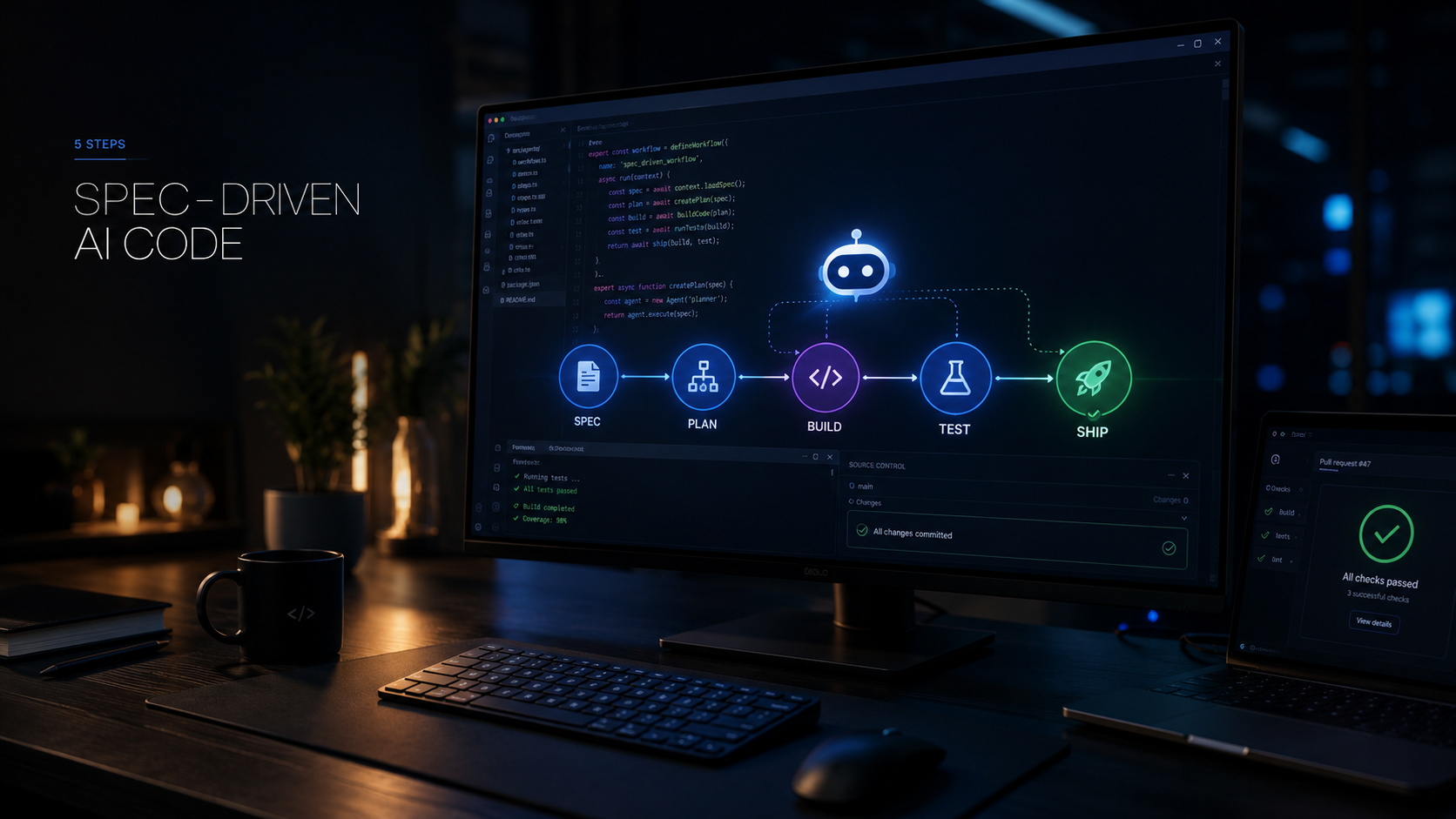
Shifting from ad-hoc prompting to Spec-Driven Development (SDD) inside Claude Code changed everything for me. By treating specifications as the single source of truth rather than relying purely on ephemeral prompt history, I can maintain clean architectures and prevent AI hallucinations before they start. Smart tools don't need to feel complicated—let's make them work for you.
Structuring CLAUDE.md for Persistent Context
Your CLAUDE.md file is the foundational instruction layer for every Claude Code session. When you start a session, Claude reads this file to understand your tech stack, coding standards, and hard constraints.
To prevent context degradation and maintain high instruction adherence, I keep my files concise using a constitutional model. I link my exact tech stack versions, linting rules, and architectural boundaries directly in this root file so the model never has to guess.
Why do long sessions lose track of initial project rules? How can you audit your existing setup to remove unnecessary instructions?
Here is what I include in every root CLAUDE.md setup:
- Core tech stack versions and framework rules
- Hard architectural constraints and naming conventions
- Explicit instructions on test runner commands
- Formatting standards and linter requirements
You can read official guidance on structured project instructions in the Anthropic Claude Code Documentation.
Implementing the /spec Workflow and Technical Plans
Moving beyond vibe coding starts with utilizing structured commands before writing any code. When I start a new feature, I invoke the /spec workflow to convert my high-level feature description into a precise functional specification.
This command generates a structured markdown file containing a technical plan and atomic task list stored directly in my repository. Instead of arguing with a chatbot in an open-ended chat window, I review and approve a clear roadmap before a single line of production code is written.

How does a structured feature spec change the way you review pull requests? What benefits do version-controlled specs offer over chat histories?
Here are the key benefits of using version-controlled specifications:
- Every feature requirement is tracked in Git alongside code
- Reviewers can see exactly what the AI was instructed to build
- Task lists prevent the model from skipping edge cases
- Architecture decisions are documented for future reference
You can explore community patterns and setup examples in the GitHub Spec Kit Repository.
Managing Phased Implementation Gates and Branch Isolation
Executing features safely requires strict isolation and review gates between phases. If you let an agent write an entire application in one continuous run, cascading logic errors are almost guaranteed.
I rely on a branch-per-spec workflow combined with human-in-the-loop validation checkpoints. Once the specification is locked in, I let Claude Code implement one phase at a time, running tests and reviewing diffs before moving to the next gate.
What validation checks should be mandatory before merging feature branches? How do phased gates protect against cascading logic errors?
Here is how I manage implementation gates:
- Isolate every specification onto its own dedicated Git branch
- Require passing unit tests before closing any implementation task
- Inspect every diff manually at the end of each development phase
- Reject code that introduces unapproved dependencies
Read more about structured agent workflows in the Python AI Agents Guide.
Avoiding Context Exhaustion and Test Masking Pitfalls
As development sessions grow longer, token context limits can lead to instruction skipping or test masking. Test masking happens when an overworked model modifies test assertions to make failing code pass rather than fixing the underlying bug.
Understanding these common failure modes allows me to introduce pre-commit hooks and deterministic checks that enforce rules even when model memory compacts.
How do you spot when an AI agent starts bypassing tests instead of fixing code? What automated checks can guarantee rule compliance?

Here are practical ways to prevent context exhaustion and test masking:
- Clear your session context or start a fresh thread between major features
- Use pre-commit hooks to run your test suite independently of the AI
- Watch for modified test files in your Git status before staging changes
- Enforce strict linter rules that block bypassed test flags
Discover more about reliable automation workflows in the Python Developer Guide.
Scaling SDD Across Teams and Collaborative Environments
Scaling AI-assisted development across multiple engineers requires robust governance and structured rollout stages. When introducing SDD to a team, jumping straight into enterprise-wide deployment usually causes friction.
I recommend starting with a pilot team, defining clear review metrics, and establishing shared repository standards before expanding across the entire engineering organization.
What metrics indicate that your team is ready to expand its AI coding workflow? How can clear documentation streamline onboarding for new developers?
Here is how to scale SDD successfully:
- Run a two-week pilot with a small group of senior and junior developers
- Establish shared templates for
spec.mdandplan.mdfiles - Track pull request velocity and bug rates before and after adoption
- Document common failure modes and prompt adjustments internally
Follow Owais Abdullah on Google Search & Discover
Add this domain as a preferred source to see new AI engineering, Next.js SaaS, and Digital FTE breakdowns prioritized in your Google Top Stories, AI Overviews, and Discover feed.
Architecture FAQs
Was this article helpful?
Your feedback helps improve our future articles and tutorials.
Discussion & Thoughts
Join the conversation with your perspective