

Is OpenAI's ChatGPT Atlas the Future of Browsing? Here’s What I Found!
Introduction
Have you ever found yourself wishing your web browser could do more? I know I have. We all want tools that simplify our online lives, and OpenAI's ChatGPT Atlas aims to be just that. This AI-powered browser promises a more interactive and intelligent web experience.
Built on Chromium, it feels familiar, yet it integrates ChatGPT capabilities directly. This means you can interact with web pages conversationally, almost like chatting with an AI assistant. I'm genuinely excited about how AI can streamline tasks, from summarizing content to automating web actions.
ChatGPT Atlas is currently available for macOS, with plans to expand to other operating systems soon. The big question for many of us is: is this the smart browsing companion we've been waiting for? Let's take a closer look together to explore what it truly offers.
What is ChatGPT Atlas?
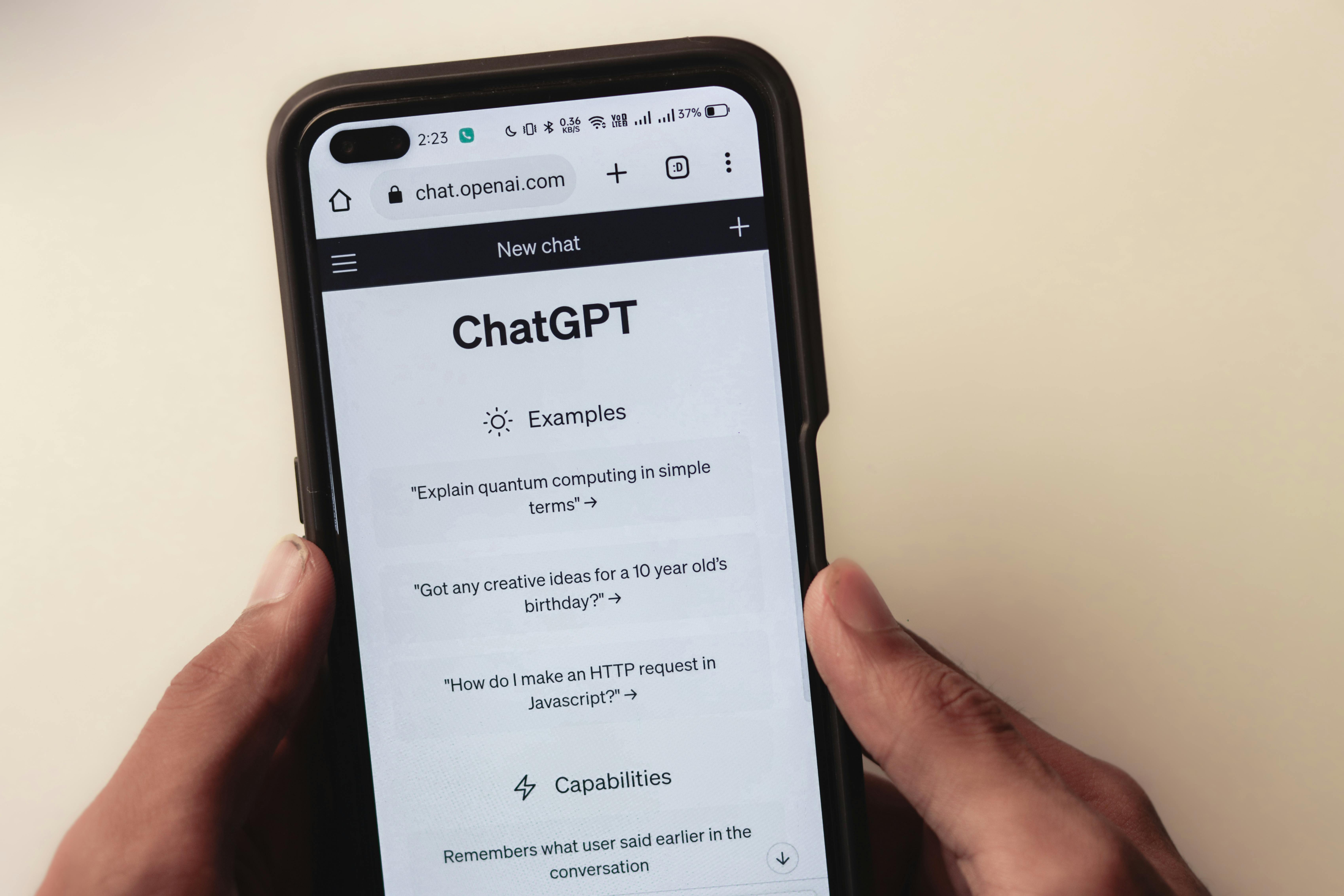
ChatGPT Atlas is OpenAI's venture into creating a browser where artificial intelligence is at its core. It uses the familiar Chromium foundation, but its key difference is the direct integration of ChatGPT. This allows for a conversational approach to browsing. You can interact with pages and search results as if you're talking to an AI. It's designed to be a co-pilot for your online journey.
This browser initially launched on macOS. OpenAI plans to bring it to Windows, iOS, and Android, making AI-driven browsing more accessible. This move signals OpenAI's vision beyond chatbots, into how AI can redefine our daily internet interactions. If you're interested in OpenAI's broader vision for AI and their commitment to advancing intelligent systems, I encourage you to check out their official website.
How does ChatGPT Atlas truly differ from a standard browser experience?
ChatGPT Atlas integrates AI directly into browsing, enabling conversational interactions with web content and automated tasks. Traditional browsers primarily display information. Atlas transforms this into an active dialogue. You can ask it to summarize complex articles, explain technical jargon, or even help perform specific actions like filling out online forms. It adds an intelligent layer to your existing browsing habits, making the web feel more responsive to your needs. If you're curious about how these intelligent systems work, I've shared some thoughts on AI agents, automations, and agentic AI that might give you a clearer picture.
Key Features and How They Work
ChatGPT Atlas comes with some neat features designed to make your online life smoother. I find its ability to summarize and explain on-page content particularly useful. Imagine quickly getting the gist of a long article or a dense research paper without reading every single word. This can be a huge time-saver, helping you digest information much faster.
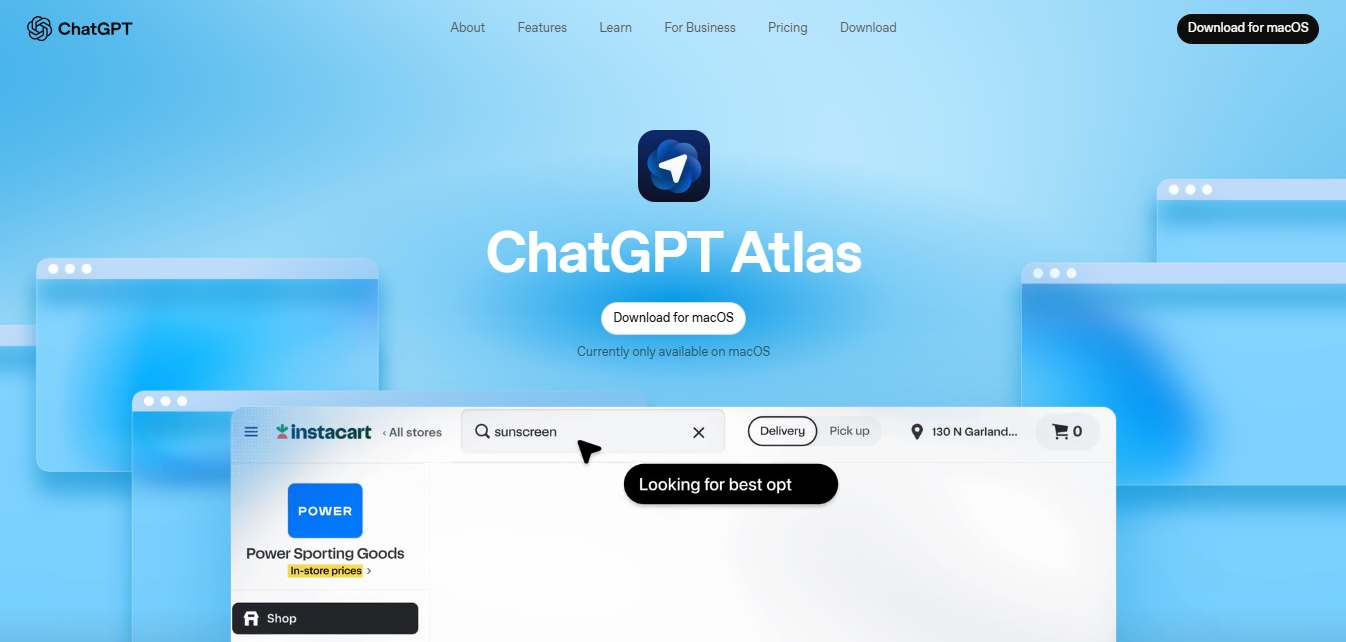
Another interesting aspect is its "agent mode." This is where ChatGPT Atlas tries to automate web-based tasks for you. We're talking about actions like booking travel, gathering specific information from multiple websites, or managing simple online purchases. It also lets you chat directly with your search results. This offers a much cleaner and more focused interface compared to the cluttered pages you sometimes get from traditional search engines. It's like having a smart assistant built right into your browser, always ready to help you navigate and interact with the web more effectively.
Can Atlas truly automate complex web tasks, or is it better for simpler actions?
Atlas's "agent mode" is currently better suited for simpler, more defined actions. Early users have reported that complex automation tasks can be slow and less reliable. While the promise of a browser automating complex tasks is exciting, my experience suggests this feature is still developing. For now, I recommend thinking of it as a helpful tool for straightforward, repetitive actions. It's a good starting point, but not yet a complete replacement for human oversight in complex scenarios.
How effective is the on-page summarization feature for lengthy content?
The on-page summarization feature is generally effective for quickly grasping the essence of lengthy articles. It provides concise overviews that highlight the main points. I've personally found this feature quite handy for quickly deciding if a long article or document is worth a deeper read. It does a good job of extracting the core message and key takeaways, which is exactly what I need when I'm short on time and need to triage information efficiently.
Atlas versus Competitors: The Current Landscape
In the evolving landscape of AI browsers, ChatGPT Atlas isn't alone. It faces competition from other specialized tools, like Dia, which have been around longer. While ChatGPT Atlas benefits from OpenAI's powerful AI engine, I've noticed it currently lacks some advanced functionalities found in its rivals. This is an important consideration for anyone evaluating a switch.
For example, power users might miss features such as:
- Customizable system prompts: The ability to tailor the AI's core instructions to specific needs.
- "Skills" (saved prompts as slash commands): Pre-defined commands that automate specific, frequent actions.
- Dedicated browser profiles: Separate browsing environments for different work or personal contexts, keeping sessions distinct.
My initial impression is that while ChatGPT Atlas is a step towards more "agentic" computing, it doesn't feel like a radical departure. It builds on existing ideas rather than completely reinventing the wheel. If you're curious about how it stacks up against other options, you can explore a comparison of leading AI browsers to get a broader perspective.
Is ChatGPT Atlas a significant upgrade from existing AI-driven browsing options?
Many early users feel ChatGPT Atlas is a promising start but not yet a significant upgrade. It's often described as a "mid-product" when compared to more developed AI browsers. While it brings OpenAI's strong AI capabilities directly to the browser, it seems to be playing catch-up in terms of advanced features, customization options, and overall polish. It's good, but not necessarily groundbreaking for experienced AI browser users.
Noteworthy Drawbacks and Limitations
Every new technology has its quirks and areas for improvement, and ChatGPT Atlas is no exception. While it holds potential, I've identified a few specific areas that could use refinement to enhance the user experience.
Here are some limitations I've observed and heard about from other early users:
- Slow "Agent Mode": The "agent mode," designed for automating web tasks, has been noted as quite slow. For complex automation, I wouldn't recommend relying on it just yet. It often struggles with intricate, multi-step processes.
- Removed Chromium Internal Settings: Users might find the absence of some familiar Chromium internal settings inconvenient. This limits certain customization and troubleshooting options.
- Less-than-Ideal Inspect Element Pop-up: The "inspect element" feature, crucial for developers and power users, opens as a pop-up. It isn't as integrated or functional as in standard Chromium browsers, which can be a frustration point.
The general sentiment from early users is that, while functional, it feels like a "mid-product" that hasn't quite reached its full potential. These are important considerations for anyone thinking about making it their go-to browser.
Are these current limitations temporary, or do they point to more fundamental design choices?
It's hard to say definitively. Some limitations, like the "agent mode" speed, might improve as the product evolves. Others, such as the removal of certain Chromium settings or the inspect element behavior, could be more fundamental design choices by OpenAI for their AI-first browser experience. Only time and future updates will truly reveal OpenAI's long-term strategy for addressing these points.
Is ChatGPT Atlas Right for You?
Deciding if ChatGPT Atlas is the right browser for your needs truly comes down to your personal browsing habits. If you appreciate quick question-and-answer capabilities, simplified content summarization, and a cleaner search interface, I think it could be a valuable addition. It certainly makes those specific tasks more streamlined and efficient.
However, if you're a power user who relies heavily on extensive customization, needs dedicated browser profiles, or expects highly efficient automation for complex tasks, you might find ChatGPT Atlas a bit lacking in its current form. It's a promising start for OpenAI, and I'm eager to see how it develops. But it's always worth weighing its current capabilities against your specific requirements and workflow.
Here's a quick breakdown to help you decide:
You might like ChatGPT Atlas if you:
- Are a casual browser looking for AI-powered assistance with information processing.
- Need quick summaries of articles and web pages.
- Enjoy a conversational way of interacting with search results.
- Are an OpenAI enthusiast and want to try their latest offering.
- Prioritize simplicity and a clean interface over deep customization.
You might want to consider alternatives if you:
- Are a developer or power user who relies on advanced browser settings and developer tools.
- Need highly efficient and complex web automation (the "agent mode" is still developing).
- Require dedicated browser profiles for different tasks or identities.
- Prefer a browser with a long track record of stability and a wide range of extensions.
If you're curious about how AI browsing can generally boost your productivity, there are some great resources out there that can help you find out more. For those who manage a lot of notes and summaries, I've also had good experiences with tools like Plaud AI Plaud Note. This offers similar AI-driven assistance for information processing. Ultimately, trying it out for yourself is often the best way to see if it fits your specific style.
Follow Owais Abdullah on Google Search & Discover
Add this domain as a preferred source to see new AI engineering, Next.js SaaS, and Digital FTE breakdowns prioritized in your Google Top Stories, AI Overviews, and Discover feed.

Owais Abdullah
Web & AI Engineer · Founder @ Octively
Spec-driven developer and AI engineer. Founder of Octively, building Next.js SaaS platforms, autonomous Digital FTEs (AI employees), and production-ready intelligent workflows.




Did you find this article helpful?